ArgoCD Ephemeral
The ephemeral app in ArgoCD can be created by following this document. The examples below show how to create an ephemeral app using the service and config repo pull requests in FRED. Please note that there is a delay between the completion of the service GitHub Action workflow and the creation of the ephemeral app in ArgoCD.
Create an ephemeral app with default configurations (no overrides)
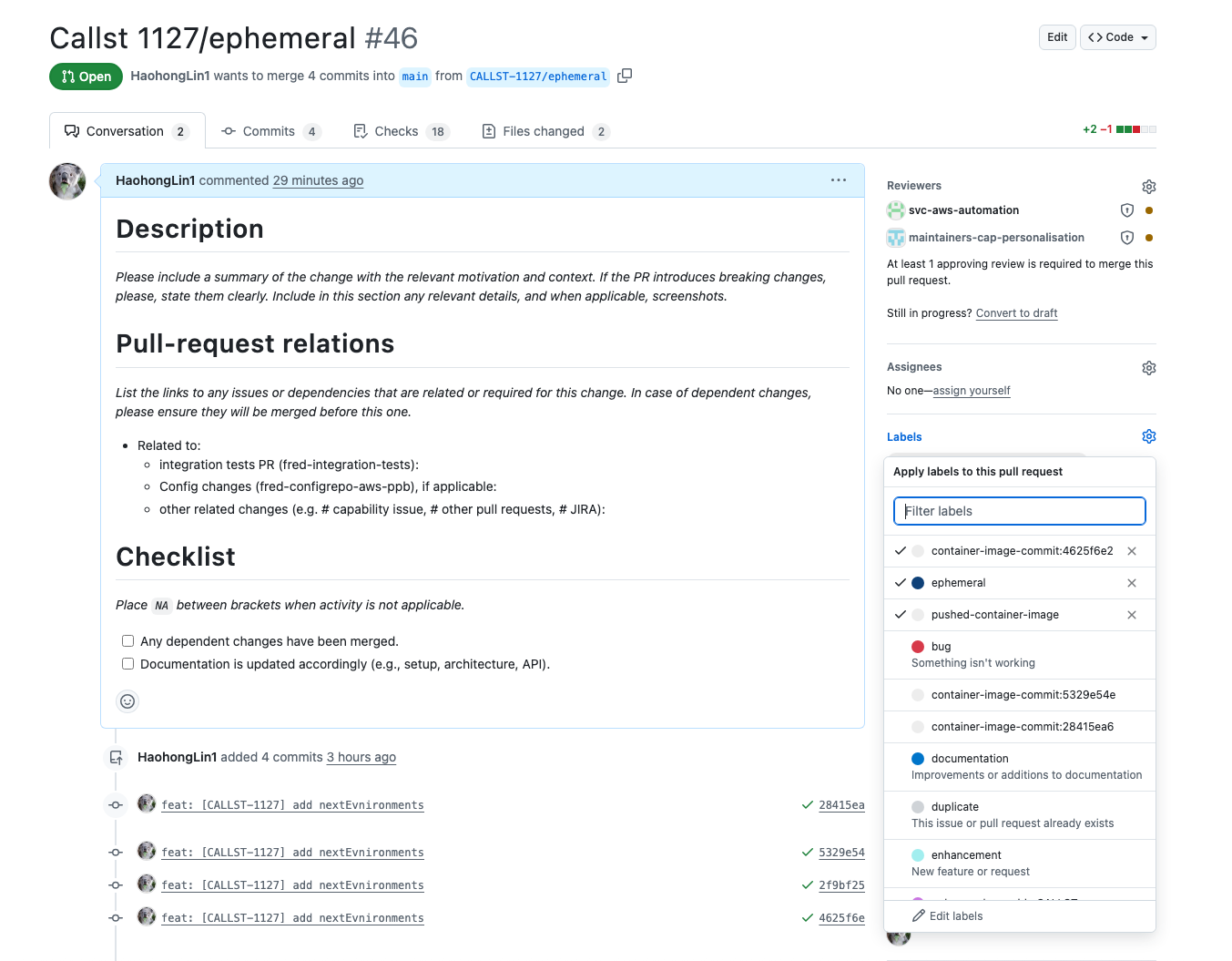
This is very straghtforward, all you need to do is to add an ephemeral label in the service PR.
Creating an ephemeral app with configurations overridden
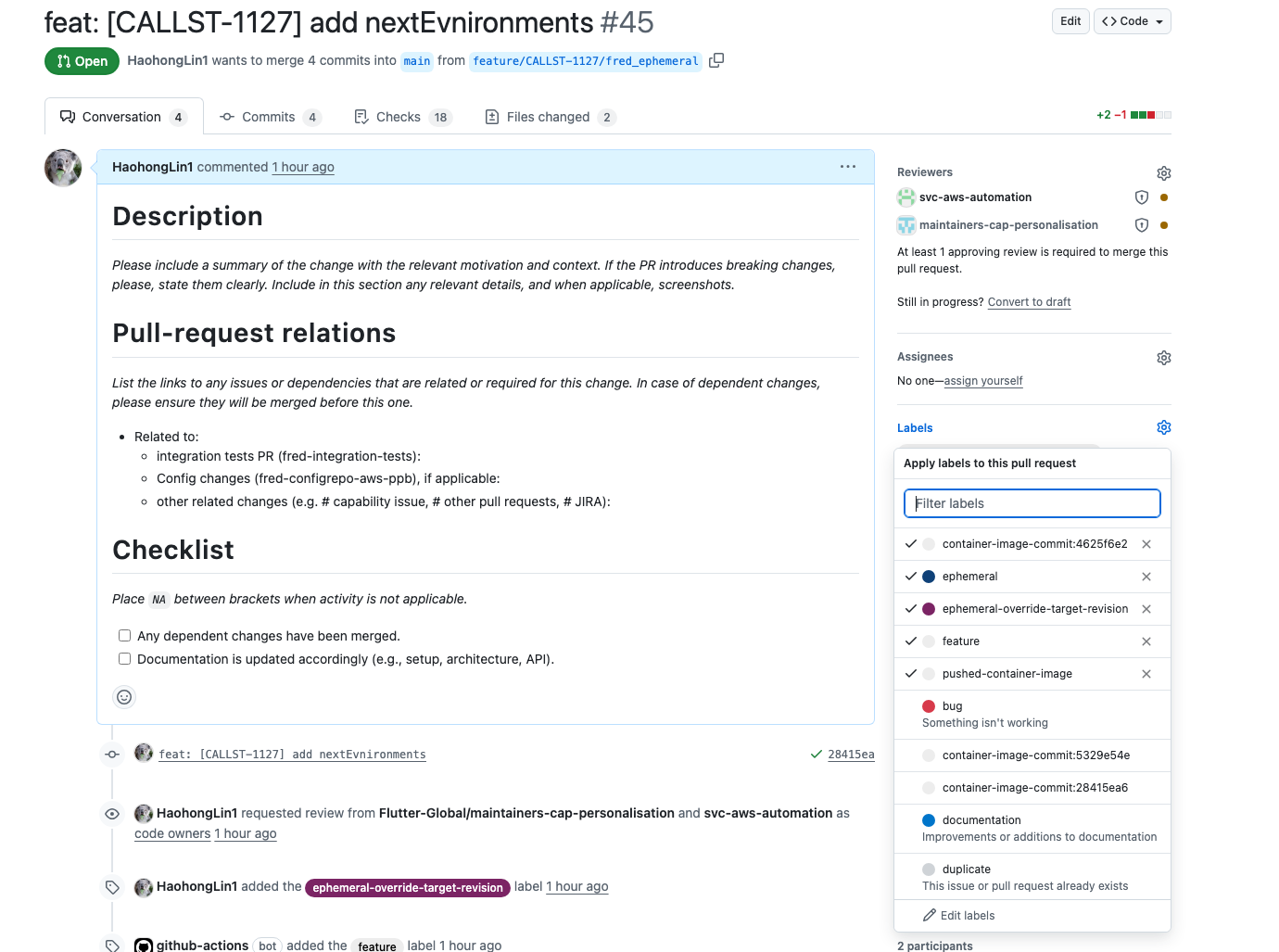
To override configurations, a branch with the same name as the service branch must be created in the FRED config repository. Example: If the service branch is named
then a branch with the same name, containing the overridden configuration properties, must also be created in the config repository.In the FRED service pull request, ensure that the following labels are added:
ephemeralephemeral-override-target-revision
Once the ephemeral app is created in ArgoCD, any updates made to the branch configurations in the FRED config repository will automatically trigger an ArgoCD auto-sync to apply the changes.
Override ephemeral template path
Because DES/TIM/DEC contain multiple projects in the same repository, they cannot use the same approach as a TLA like FRED, where one shared ephemeral template folder is used for all projects.
With the flexible ephemeral configuration, you can override the ephemeral template path per project. Let’s use DES bf-reward-decision as an example.
In the GitHub pull request labels, add: ephemeral-override:manifests/bf-reward-decision-qa
Here, manifests/bf-reward-decision-qa is the overridden ephemeral template path.

Delete ArgoCD ephemeral app
The ArgoCD ephemeral app is automatically deleted after the pull request is merged or closed.